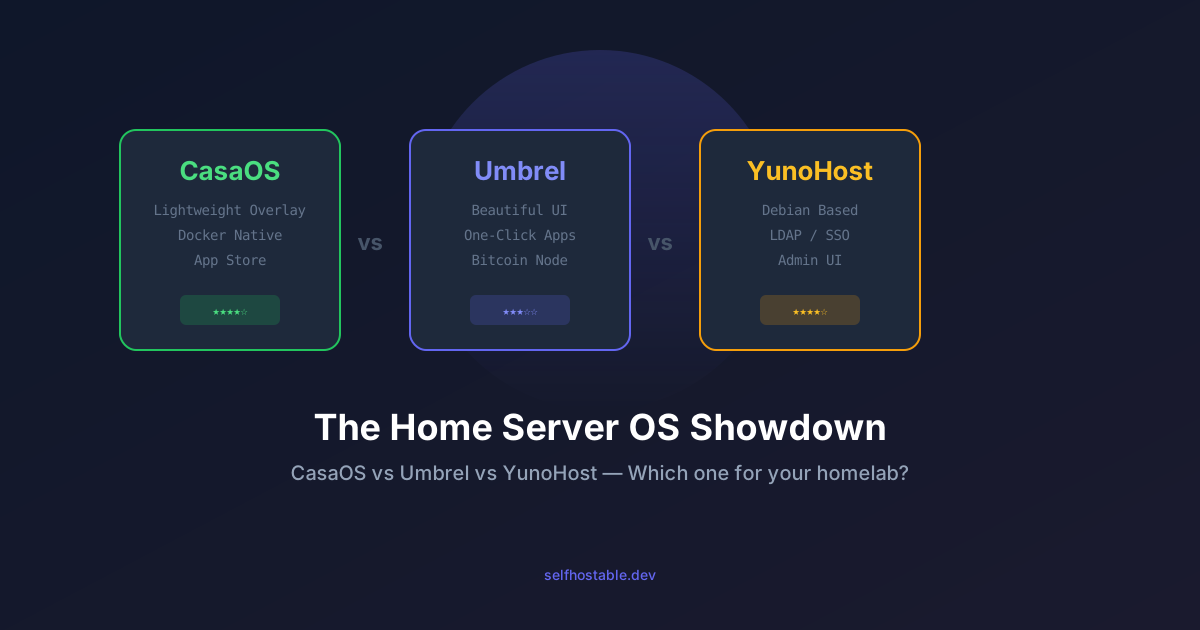
CasaOS vs Umbrel vs YunoHost: The Home Server OS Showdown (2026)
Three ways to turn a dusty machine into a self-hosted powerhouse. I tested CasaOS, Umbrel, and YunoHost for months — here's who wins and why you probably already know which one fits.
You’ve got an old laptop gathering dust. A Raspberry Pi you bought for that one project you never finished. A NUC that was supposed to be your media center but ended up running one Docker container you check once a month.
I’ve been there. Three times, actually — because I kept trying different home server operating systems before finding the one that stuck.
If you’re new to self-hosting, the first question isn’t “which app should I run?” It’s “what OS do I put on this thing?” The answer depends on how much tinkering you want to do, how pretty you want the interface to be, and whether you plan to invite your family or keep it as your private playground.
Here’s what I learned after running each of these for at least two months on real hardware.
What Even Is a Home Server OS?
Regular Linux (Ubuntu Server, Debian) works fine if you enjoy SSHing in and configuring everything by hand. But for most people — including me on days when I just want things to work — a home server OS adds a web dashboard, one-click app installs, and sane defaults.
CasaOS, Umbrel, and YunoHost all do this. The difference is how much they abstract away and how much freedom they leave you.
CasaOS — The tinkerer’s overlay
I ran CasaOS on an old Dell OptiPlex for three months. It sits on top of a regular Debian install, so underneath all the pretty UI you still have a normal Linux system. SSH in, install stuff manually, break things — it’s all there.
What I liked:
- It’s an overlay, not a replacement. You get the GUI but nothing stops you from
apt installordocker composeon the side. - The app store is surprisingly good. Over 100 apps, and they’re actual Docker containers with proper compose files.
- Resource usage is minimal. CasaOS itself uses about 100MB RAM. Your apps run as normal Docker containers with zero overhead.
- File management is built in. Drag, drop, share — it works better than I expected for something that’s not the main selling point.
What I didn’t:
- Updates can be janky. I’ve had the UI break twice after an update, requiring a restart of the CasaOS service. Nothing catastrophic, but annoying.
- The app store is curated. You can’t just add any Docker image through the GUI — you need SSH for that.
- Multi-user support is basic. It exists but feels bolted on.
Verdict: CasaOS is for people who want a nice UI but refuse to give up control. If you’re already comfortable with Linux and just want a dashboard, this is your pick.
Umbrel — The appliance experience
Umbrel wants to be the iPhone of home servers. Install it, connect to the web UI, click “install” on apps, and never see a terminal. I put it on a Raspberry Pi 4 and it genuinely felt like using a consumer product.
What I liked:
- The UI is gorgeous. Everything is polished, animations are smooth, and the dark theme actually looks premium.
- One-click installs actually work. Click an app, wait 30 seconds, it’s running. No port configuration, no volume mounts, no environment variables.
- Bitcoin and Lightning node integration is baked in. If you’re into crypto self-custody, Umbrel is the easiest way to run your own node.
- Updates are seamless. I never once had a broken update in my time using it.
What I didn’t:
- It’s a walled garden. You can only install apps from their curated store. No SSH access by default (you can enable it, but they don’t encourage it).
- Resource hungry for what it does. Umbrel eats about 500MB RAM at idle. On a Pi 4 with 4GB, that’s noticeable.
- Docker is hidden. Your apps run in containers, but you can’t easily manage them with
docker compose. Good luck debugging if something goes wrong. - Full system install only. You can’t layer Umbrel on an existing OS. It takes over the whole machine.
Verdict: Umbrel is perfect if you want a self-hosted appliance that just works and you never touch a terminal. It’s terrible if you like to customize things.
YunoHost — The veteran
YunoHost has been around since 2012. It’s like the Debian of home server OSes — unglamorous, solid, and backed by serious software engineering. I ran it on a small VPS for about two months and it handled email, websites, and a Nextcloud instance without drama.
What I liked:
- LDAP / SSO is built in and actually works. Install one app, log in once, every other app uses the same credentials. This is huge for family setups.
- DNS and domain management is automated. Point a domain at your server and YunoHost handles certificates, subdomains, and email configuration.
- The app catalog is large and community maintained. You won’t find the trendiest new tools, but everything stable is there.
- It runs on Debian underneath. You can SSH in, fix things, and break things just like any normal server.
What I didn’t:
- The UI looks like it’s from 2012. Functional, but not pretty. If you care about aesthetics, this will bother you.
- Updates require occasional manual intervention. A
sudo yunohost tools updateevery now and then keeps things running, but it’s not as seamless as Umbrel. - Documentation is dense. The project is old and the docs show it — lots of text, few screenshots, assumes you know what you’re doing.
- Some apps are outdated in the catalog. Community packages don’t always keep up with upstream releases.
Verdict: YunoHost is for people who want a serious, stable server that they can set up for their family and forget about. It’s not pretty, but it’s reliable.
Head to Head
| Aspect | CasaOS | Umbrel | YunoHost |
|---|---|---|---|
| Installation | Overlay on existing OS | Full system image | Full system or overlay |
| Learning curve | Low (if you know Linux) | Minimal | Medium |
| App catalog size | ~100 apps | ~80 apps | ~150 apps |
| Custom apps via GUI | No | No | Yes (community) |
| SSH access | Yes (underlying OS) | Hidden | Yes (underlying OS) |
| Multi-user | Basic | Limited | Full (LDAP) |
| RAM at idle | ~100MB | ~500MB | ~200MB |
| Docker underneath | Yes | Yes (hidden) | Yes |
| UI polish | Good | Excellent | Functional |
| Best for | Linux users who want a GUI | Newbies / appliance seekers | Families / serious setups |
The Real Question: Who Is Each One Actually For?
After months of testing, here’s how I’d decide if I were starting over:
Pick CasaOS if: You know your way around Linux but don’t want to configure every container from a terminal. You want a dashboard for your homelab, not a replacement for your OS.
Pick Umbrel if: You’re new to self-hosting, you want everything to just work, and you don’t care about customization. You’ll trade flexibility for polish — and that’s a totally valid trade.
Pick YunoHost if: You’re setting up a server for your family or a small team. The built-in SSO, automated DNS, and email management make it the only choice if you need to onboard non-technical users.
And if you’re still undecided? Start with CasaOS. It’s the least commitment — you install it on top of whatever you already have, and if you outgrow it, your data and Docker setup are still there.
What About Security?
This is worth calling out because nobody talks about it enough.
All three tools expose a web interface. If that interface is accessible from the internet, you’re one vulnerability away from someone owning your server. Here’s my rule: do not expose the admin UI publicly. Use a VPN to access it.
🚀NordVPN
Run a VPN on your home server to access admin dashboards safely from anywhere.
Affiliate link — we may earn a commission at no extra cost to you.
For YunoHost specifically, it has built-in fail2ban and automatic SSL through Let’s Encrypt. CasaOS and Umbrel rely on whatever your underlying system provides. If you’re putting any of these on a VPS, slap a reverse proxy in front and keep the admin panel on a private subnet.
The Future of Home Server OSes
CasaOS is the most active of the three in 2026. The dev team ships updates every two weeks and the community is growing fast. Umbrel seems to be pivoting toward their paid cloud offering (Umbrel Cloud), which makes me nervous about long-term commitment to the self-hosted version. YunoHost keeps chugging along at the same reliable pace it has for 14 years — not exciting, but not going anywhere either.
If I had to bet on which one you’ll still be running in two years? CasaOS. It’s the most flexible, the most active, and the least likely to paint you into a corner.
And Now?
Install one. Any one. The hardest part of self-hosting is starting, and all three of these make that step dramatically easier than setting up a bare Linux server.
My advice: grab that old laptop or a $10/month VPS, put CasaOS on it (or Umbrel if you want the easy path), and install your first app tonight. You’ll learn more in one evening of clicking around than in a week of reading tutorials.
And when you eventually want more control — and you will — the skills you pick up along the way will make the transition to a full manual setup feel natural. That’s the whole point of self-hosting: you’re in charge, even when you’re just clicking buttons.
Got a home server OS I didn’t cover? Hit me up on Discord. I’m always looking for the next thing to install on hardware I should probably just recycle.
Stay in the loop 📬
Get self-hosting tutorials, tool reviews, and infrastructure tips delivered to your inbox. No spam, unsubscribe anytime.
Join 0 self-hosters. Free forever.