Self-Host Dozzle: The Docker Log Viewer I Use Before Loki
Self-host Dozzle for real-time Docker logs without running a full logging stack. A quick homelab setup with Compose, security tips, and gotchas.
I like Grafana Loki. I also think most homelabs do not need Loki on day one.
That sounds like heresy if you enjoy diagrams with twelve arrows and a tiny object store hiding in the corner. But when a container is crash-looping at 11 p.m., I usually want one thing: open a browser, click the container, read the logs, stop guessing.
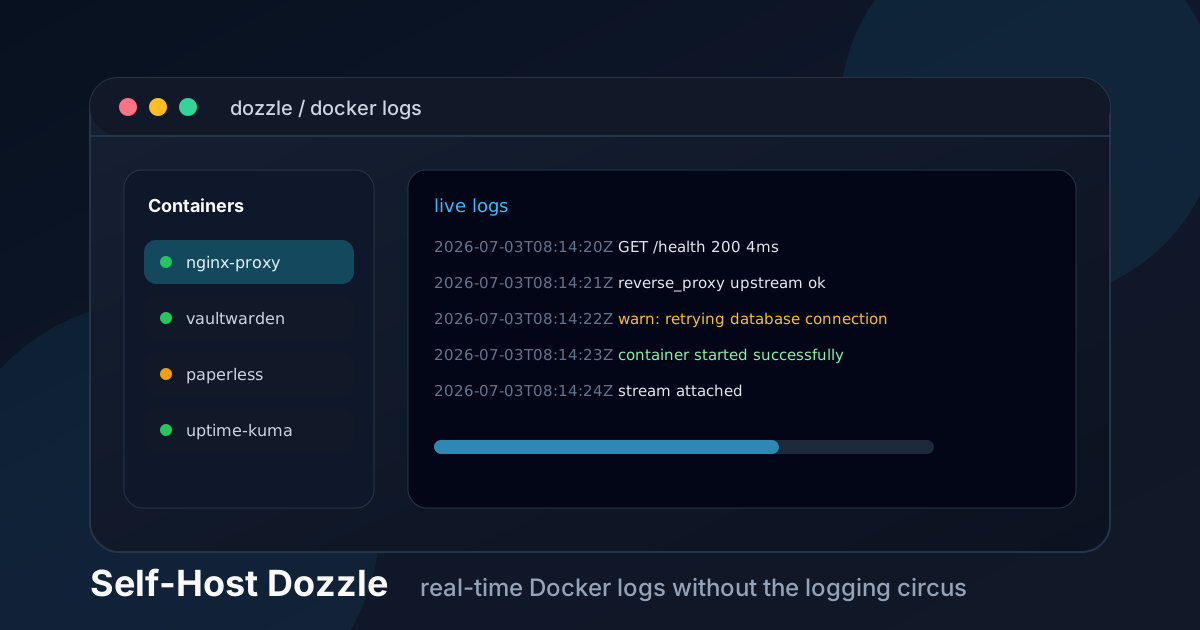
That is where Dozzle fits. It is a lightweight web UI for Docker logs. No database. No log pipeline. No “quick” Elasticsearch setup that somehow eats the rest of the evening.
Dozzle streams logs from Docker in real time, and that is exactly why I like it.
The short version
Dozzle is not a full observability platform.
It will not replace Prometheus, Grafana, Loki, Graylog, or a proper SIEM. It does not store logs forever. It is not where you build compliance dashboards for the imaginary enterprise living inside your mini PC.
It is best for:
- watching container logs live
- searching recent output while debugging
- checking a failing Compose stack without SSH
- giving yourself a clean browser UI for boring maintenance
- avoiding a heavy logging stack until you actually need one
My opinion: install Dozzle before Loki. If you outgrow it, great. That means you now understand the problem you are solving instead of cosplaying as a platform team.
When Dozzle makes sense
Use Dozzle if your setup is mostly Docker Compose and you already SSH into the server to run this:
docker compose logs -fThat command is fine. I still use it constantly. But once you have twenty containers, logs get noisy fast.
Dozzle gives you a nicer view without changing how your stack works. You can filter, jump between containers, and keep the log stream open in a tab while you restart things.
I would run it for a small VPS, a home server, or a couple of Docker hosts. I would not expose it publicly and call it a day. Anything that can read all your container logs is sensitive, because logs are where apps accidentally confess their sins.
API keys. Session IDs. Database hostnames. Badly masked passwords. The usual trash fire.
🚀NordVPN
Secure your server with a reliable VPN. Keep log viewers and admin panels away from random internet scans.
Affiliate link — we may earn a commission at no extra cost to you.
Dozzle vs Loki vs plain Docker logs
Here is the honest comparison.
| Option | Best for | Trade-off |
|---|---|---|
docker logs / docker compose logs | Fast local debugging over SSH | Gets clunky across many containers |
| Dozzle | Real-time browser log viewing | Not long-term log storage |
| Loki + Grafana | Searching and retaining logs across systems | More moving parts, more maintenance |
| Graylog / ELK | Serious centralized logging | Heavy for a small homelab |
I see people jump straight to Loki because it feels like the “correct” answer. Sometimes it is.
But if you are still figuring out which containers matter, how noisy your apps are, and what you actually search for, Dozzle is the less dramatic first step.
Install Dozzle with Docker Compose
Create a directory for it:
sudo mkdir -p /opt/dozzle
sudo chown -R $USER:$USER /opt/dozzle
cd /opt/dozzle
Then create docker-compose.yml:
services:
  dozzle:
    image: amir20/dozzle:latest
    container_name: dozzle
    restart: unless-stopped
    ports:
      - "127.0.0.1:8080:8080"
    volumes:
      - /var/run/docker.sock:/var/run/docker.sock:ro
Start it:
docker compose up -dCheck that it is running:
docker compose ps
docker compose logs -f dozzle
If you are on the server, you can test it with:
curl http://127.0.0.1:8080I bind it to 127.0.0.1 on purpose. That means Dozzle is not listening on the public network interface. You can put a reverse proxy, VPN, or SSH tunnel in front of it later.
Do not start with 0.0.0.0:8080:8080 unless you know exactly who can reach that port.
Access it safely
The easiest safe access method is an SSH tunnel:
ssh -L 8080:127.0.0.1:8080 user@your-serverThen open:
http://localhost:8080That is boring. Boring is good.
For a nicer setup, put Dozzle behind a reverse proxy and protect it with one of these:
- WireGuard, Tailscale, NetBird, or another VPN
- Authentik / Authelia / OAuth2 proxy
- Caddy client certificates
- a strict firewall allowlist if your IP is stable
I would not rely on “secret URL” security here. Logs are too juicy.
If you already use Caddy, a private subdomain could look like this:
logs.example.com {
  reverse_proxy 127.0.0.1:8080
}
That only handles HTTPS and proxying. You still need access control. For private admin tools, I like pairing Caddy with mTLS or putting the whole thing behind a VPN.
We have guides for WireGuard, NetBird, and Caddy client certificates if you want the more locked-down route.
About the Docker socket
Dozzle needs access to the Docker socket to read container metadata and logs.
That line matters:
- /var/run/docker.sock:/var/run/docker.sock:roRead-only is better than read-write, but do not confuse it with harmless. The Docker socket is powerful, and any container touching it deserves extra suspicion.
My rule is simple: if a tool talks to Docker, it stays private. No casual public exposure. No “I’ll add auth later.” Later is when the bot traffic has already found it.
Optional: show only specific containers
Sometimes you do not want every container in Dozzle. Maybe one service is too noisy. Maybe you are giving a teammate access to a narrow view.
Dozzle supports filtering containers with environment configuration. I usually prefer keeping Dozzle private and showing everything, but filtering can make the UI calmer.
A practical trick is to use Docker labels and keep your operational tools grouped. For example:
services:
  app:
    image: your-app:latest
    labels:
      - "com.example.group=production"
Then check the current Dozzle docs for the filtering syntax before hard-coding it. This project moves, and copying stale flags from an old blog post is how a five-minute install becomes forum archaeology.
Official docs: Dozzle getting started.
Resource usage
Dozzle is tiny compared to a real logging stack.
On a small VPS, that matters. I have run “temporary” observability stacks that used more RAM than the apps they were supposed to observe, which is very funny until the OOM killer develops opinions.
Dozzle does not store logs, so disk usage is not the point. Your Docker daemon and logging driver still decide how much log data sits on disk.
Check your Docker log rotation. If you have never configured it, do that now.
Create or edit /etc/docker/daemon.json:
{
  "log-driver": "json-file",
  "log-opts": {
    "max-size": "10m",
    "max-file": "3"
  }
}
Then restart Docker during a maintenance window:
sudo systemctl restart dockerFair warning: restarting Docker may interrupt containers. Do not do this during a backup, upload, or that one family movie night where Jellyfin must remain sacred.
What Dozzle does not solve
Dozzle is a viewer, not a strategy.
You still need alerts. You still need metrics. You still need backups. If a container dies at 3 a.m., Dozzle will not wake you up unless you are already staring at it like a raccoon in server-room lighting.
For alerting, I would pair it with Uptime Kuma or a proper monitoring stack. For metrics, Grafana and Prometheus are still the classic path.
For long-term log search, use Loki. That is the point where you want to ask questions like:
- “When did this error start?”
- “Which host saw this request ID?”
- “How often does this warning happen?”
- “Can I keep logs for 14 or 30 days?”
Dozzle is for the live debugging loop. Loki is for history.
My recommended setup
For a normal self-hosted Docker box, I would do this:
- Run Dozzle bound to
127.0.0.1. - Access it through an SSH tunnel or private VPN.
- Configure Docker log rotation.
- Keep Uptime Kuma for “is it alive?” alerts.
- Add Loki later only if you keep wishing you had historical search.
This setup is not fancy. That is the entire charm.
You get a useful log viewer in five minutes, you avoid a heavyweight stack, and you keep the dangerous bits away from the public internet.
Final take
Dozzle is one of those tools I like because it refuses to be bigger than the problem.
It does not promise magical observability. It does not ask you to redesign your homelab around it. It just gives you a clean window into Docker logs when something is being weird.
Install it, keep it private, rotate your logs, and move on with your life.
That is a good Friday project.
Stay in the loop 📬
Get self-hosting tutorials, tool reviews, and infrastructure tips delivered to your inbox. No spam, unsubscribe anytime.
Join 0 self-hosters. Free forever.